Your Hobby Project Cost 20 Cents a Month for Half a Year and $2,700 Last Weekend
Contain a runaway AWS charge before reading the invoice, document a factual billing case, and add budget actions that can enforce your real limit.


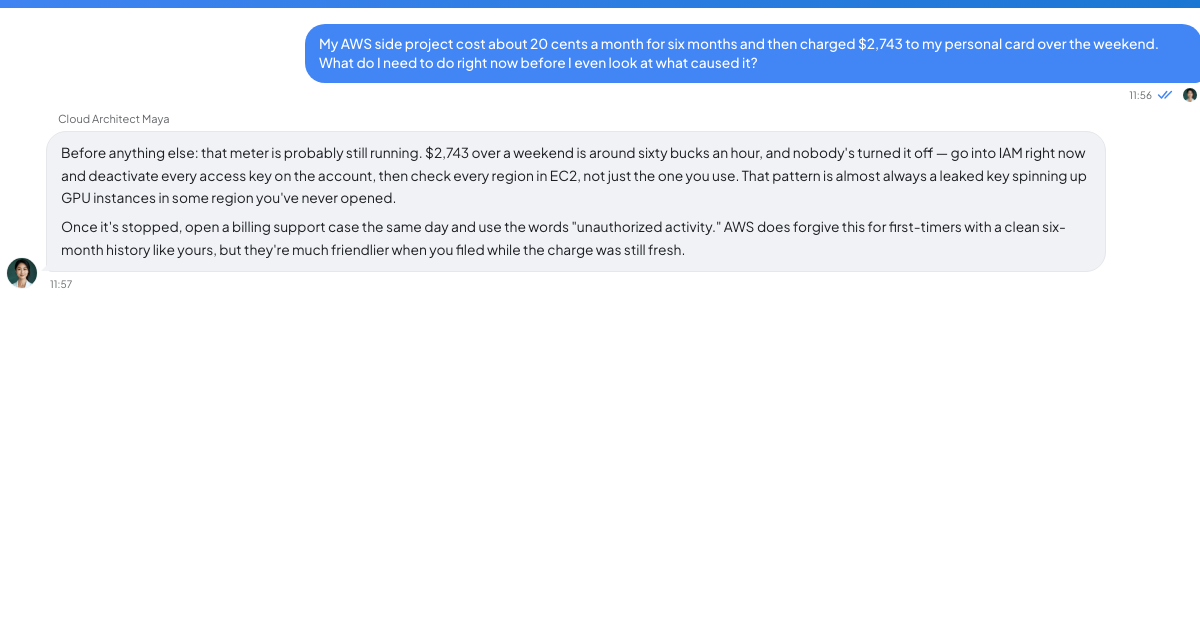
Stop current spend before analysing $2,743.11
The charge is $2,743.11 on your personal card after an account cost about twenty cents a month since February. Whatever caused the charge is in all likelihood still running. Billing data refreshes roughly daily, so the invoice shows history rather than the account's current position. Contain the spend first and reconstruct it second.
Open Cost Explorer for the last seven days, group by service, then group by region. Those two clicks usually identify the culprit immediately. Check every region, including ones you have never intentionally used; a console's regional view can hide resources elsewhere. Record the exact service, region, resource identifier and first charge date as you work.
Compute in an unfamiliar region should be handled as a credential compromise. Crypto mining in a victim's account is a common cause of a personal account going from cents to thousands overnight. It often appears as several instances in regions the owner does not recognise, frequently the largest type the account can launch. Deactivate and delete every access key, including supposedly unused keys; rotate the root password and enable MFA if absent. A key that appeared in a public repository, CI log, Docker image layer or pasted configuration must be considered exposed. AWS automatically applies a quarantine policy when it detects an exposed key, but detection is neither guaranteed nor instantaneous.
For your own runaway code, remove the billable resource rather than only the visible symptom. Terminating EC2 may leave EBS volumes and snapshots. Deleting RDS may preserve a final snapshot. Removing Lambda leaves data already written to CloudWatch Logs, whose ingestion and retention are billed separately. In each service, list detached storage, snapshots, logs and public addresses after the primary resource is gone.
NAT gateways charge by hour and processed gigabyte; data transfer out costs money; public IPv4 addresses carry an hourly charge even while unattached; managed container control planes accrue hourly charges without deployed workloads; and a runaway loop against an on-demand DynamoDB table can spend quickly. Check each category against the same seven-day window.
If Lambda is recursively invoking, set that function's reserved concurrency to zero immediately. AWS's troubleshooting guide says zero throttles all future invocations, giving you a reversible stop while you find the code or configuration error (AWS Lambda documentation). Do not depend only on loop detection: AWS stops covered recursion after a set number of invocations and currently detects loops involving SQS, S3, SNS or Lambda-to-Lambda calls using supported SDKs, but its documentation says a loop containing DynamoDB is not detected (recursive-loop documentation).
One old S3 fear can be removed from this incident list. Since AWS's 2024 billing change, a bucket owner does not incur request or bandwidth charges for an externally initiated HTTP 403 Access Denied response from outside the account or Organization (AWS announcement).
Build the billing case from the containment record
Basic Support includes billing and account support, so you do not need a paid plan to open the case. A one-time adjustment remains discretionary goodwill rather than an entitlement. Plenty of people receive one, and plenty do not. First occurrence, accidental use from which you did not benefit, and demonstrated remediation may matter, but none guarantees a refund.
Keep the request short and factual. In one sentence, state what happened. Then provide the exact service, region, resource and date range; list the concrete containment steps instead of writing "I've fixed it"; identify the controls you added; and ask once for consideration of a one-time adjustment on a personal account. Do not threaten to leave, disclose your earnings or send five follow-ups in one day.
If credentials were compromised, state that directly and give the rotation timeline. Fraudulent usage differs from usage caused by your own code, and support needs to know which investigation it is handling.
TrueTalk's Cloud Architect Maya is an AI persona covering cloud computing, system architecture and DevOps. She is not an AWS employee, cannot inspect your account and cannot influence support. At 2am, she can help you interpret an unfamiliar-region resource before deletion or check the clarity of your case wording. She is available instantly.
Install controls that can act while you sleep
A budget email arrives after spend occurs. Keep alerts for visibility, then add actions for enforcement.
AWS Budgets can apply an IAM policy or service control policy and can target specific EC2 or RDS instances after a threshold is crossed; actions can run automatically or wait for manual approval, and AWS requires an execution role with permission to act (AWS Cost Management documentation). This is the closest AWS offers to a kill switch and takes about fifteen minutes to configure. Be precise about its boundary: AWS warns that stopping an EC2 instance inside an Auto Scaling Group is ineffective by itself because Auto Scaling can restart it or launch a replacement, so pair that case with an action restricting the launch role (AWS Budgets best practices).
Enable Cost Anomaly Detection as well. It is free and watches for unusual spending patterns rather than waiting for a monthly threshold, which can reveal a spike before the budget percentage is reached.
For the strongest control available to an individual, put each project in a separate account under an Organization. Apply a service control policy denying every region you do not use and every unnecessary service. In the mining scenario, an instance launch in a denied region fails instead of becoming tomorrow's alert. Ask support to reduce service quotas you will never need where reductions are available; an enforceable ceiling is stronger than an email.
Google Cloud also documents a Pub/Sub-and-function pattern that disables billing on a project when a budget threshold fires. That action takes down everything in the project by design. AWS has no equivalent single button; its Budget actions are narrower.
Set the personal account's monthly budget at the amount that would genuinely upset you—twenty dollars, forty dollars or your actual limit—and attach actions, not alerts alone. After a bill like this, elaborate dashboards are tempting. One correctly scoped control that closes the tap overnight is the checkable outcome you need.